
Navigating the Digital Classroom: My Comprehensive Look at GoGuardian
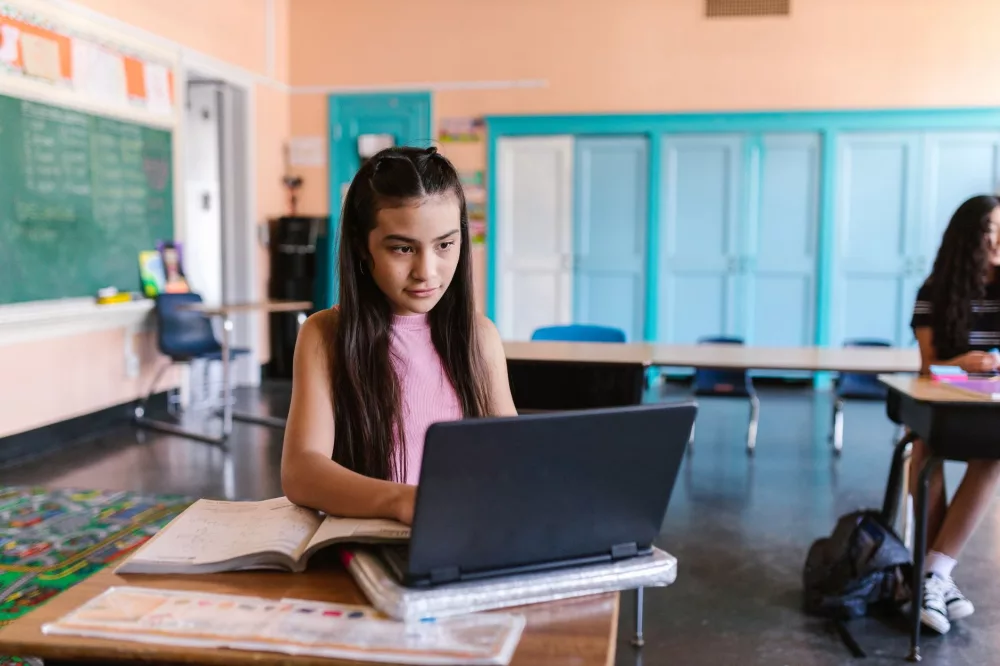
I remember the first time I really started looking into GoGuardian; it immediately struck me as a really smart and necessary response to the evolving challenges in modern education. We're living in a world where technology isn't just an add-on in schools anymore; it's totally integrated into how students learn and how teachers teach. And with that integration comes a whole new set of responsibilities and potential pitfalls, you know? That's where I see GoGuardian really stepping up to the plate, offering a comprehensive suite of tools designed to make digital learning safer and more effective for everyone involved.
What Exactly is GoGuardian, Anyway?
At its core, GoGuardian is a K-12 education technology company that provides software solutions for Chromebooks and other devices within a school's ecosystem. It's not just one thing; it's a whole collection of inter-connected products that tackle different aspects of device management, content filtering, classroom management, and even student safety. I like to think of it as a digital safety net combined with a powerful teaching assistant. It helps schools maintain a secure and focused learning environment, which, let's be honest, is a huge task in itself today.
GoGuardian Admin: The Digital Perimeter Guard
This is where I see the heavy lifting happening for IT departments. GoGuardian Admin is essentially the content filtering and web-filtering powerhouse. It's designed to protect students from inappropriate online content and ensure that schools remain compliant with regulations like CIPA (Children's Internet Protection Act). I've heard IT professionals talk about how crucial this is, especially with students having such easy access to the entire internet.
- Real-time Filtering: This isn't just a static block list; it uses AI and machine learning to analyze web content in real-time. I think that's super important because the internet changes so fast.
- Customizable Policies: Schools can tailor filtering policies to different grade levels or groups of students. You wouldn't apply the same rules to a first-grader as you would to a high school senior, right?
- YouTube Filtering: YouTube can be a fantastic educational resource, but it's also got a lot of distractions. Admin helps filter out non-educational videos while still allowing access to valuable content.
- Reporting: IT admins get detailed reports on student browsing activity. This gives them insights into usage patterns and potential issues, which is invaluable for making informed decisions.
For me, knowing that there's a robust system trying to keep harmful content away from kids is a huge relief. It’s not foolproof, but it’s a strong line of defense.
GoGuardian Teacher: Empowering Educators in the Digital Age
This is probably the component I hear teachers talk about the most. GoGuardian Teacher is a classroom management tool that gives educators incredible control and visibility over student devices during class time. I've seen firsthand how chaotic a classroom with 30 students all on individual devices can become without something like this.
- Screen Monitoring: Teachers can see what's on each student's screen in real-time. This isn't about being 'big brother,' I think; it's about making sure students are on task and providing immediate help if they're stuck.
- Tab Management: Imagine being able to open a specific website for every student simultaneously or close distracting tabs with a single click. That's a game-changer for classroom flow.
- Chat Functionality: Teachers can send private messages to individual students or the whole class. This is great for discreetly redirecting off-task students or answering quick questions without disrupting everyone.
- Screen Locking: Need to get everyone's attention? Lock all student screens instantly. It's a simple feature, but incredibly effective.
- Activity Timelines: Teachers can review student activity logs to see what they were doing during a specific lesson. This can be really helpful for assessing engagement or understanding why a student struggled.
From my perspective, this tool really helps teachers reclaim control in the digital space, letting them focus more on teaching and less on policing screens.
GoGuardian Beacon: Proactive Student Safety & Mental Health Support
Now, this is where GoGuardian truly shines in an area that's become increasingly urgent: student mental health and safety. Beacon uses advanced artificial intelligence to identify and alert school staff when students are searching for or engaging with content related to self-harm, violence, or suicidal ideation. This isn't just reactive; it's incredibly proactive.
I find this particularly compelling because it works across various platforms, including Google Docs, email, and search engines. It can flag concerning language even if it's hidden within a document or a draft email. The system then sends immediate alerts to designated school personnel, allowing for timely intervention. I honestly believe this feature has the potential to save lives, offering a crucial safety net for kids who might be struggling silently. It’s a powerful application of technology for good.
GoGuardian Fleet: Streamlining Device Management
For the unsung heroes in the IT department, managing hundreds or thousands of Chromebooks can be a logistical nightmare. That's where GoGuardian Fleet comes in. It's an asset management solution that helps schools track, manage, and report on their device inventory.
I mean, think about it: keeping tabs on device serial numbers, warranty information, repair histories, and deployment statuses for an entire district? That's a massive undertaking. Fleet simplifies this by providing a centralized dashboard, helping schools maximize their investment in technology and ensure devices are available and functional for students when they need them. It saves time and headaches, which I'm sure any IT professional would appreciate.
My Thoughts on the Impact and Considerations
Overall, what I see with GoGuardian is a comprehensive ecosystem that tries to address the multifaceted needs of digital learning environments. It's about more than just blocking websites; it's about creating a holistic approach to student safety, classroom efficacy, and administrative efficiency.
I know some people have concerns about privacy, and that's a totally valid point. When schools implement tools like GoGuardian, I believe clear communication with parents and students about its purpose and how data is used is absolutely essential. It's not about spying; it's about creating a safe and focused learning space, especially when schools provide the devices and internet access. Finding that balance between safety and privacy is something we're always working on, but I feel that GoGuardian gives schools the tools to navigate it responsibly.
The blend of real-time monitoring for learning, proactive alerts for safety, and robust administrative features truly positions GoGuardian as a vital partner for schools as they continue to embrace and expand their digital learning initiatives. It helps ensure that technology remains a tool for enrichment and empowerment, rather than a source of distraction or danger, which, in my experience, is exactly what every educator and parent wants.
About Editorial Team
Senior columnist and culture critic specializing in architectural designs, emerging high-growth systems, and contemporary philosophies.